
These pages work using Web-MIDI, which is supported in Chrome, Edge and Safari browsers.
But currently not in Firefox.


SPOKE AUDIO PLAYGROUND
Search, record or upload sound files and play them back with the SPOKE board!
Piano Synth
A midi piano/synth combo

The Harmonic table
A full range of notes to play music

Video Playback
Use the default midi code to trigger video playback using your own locally hosted videos.
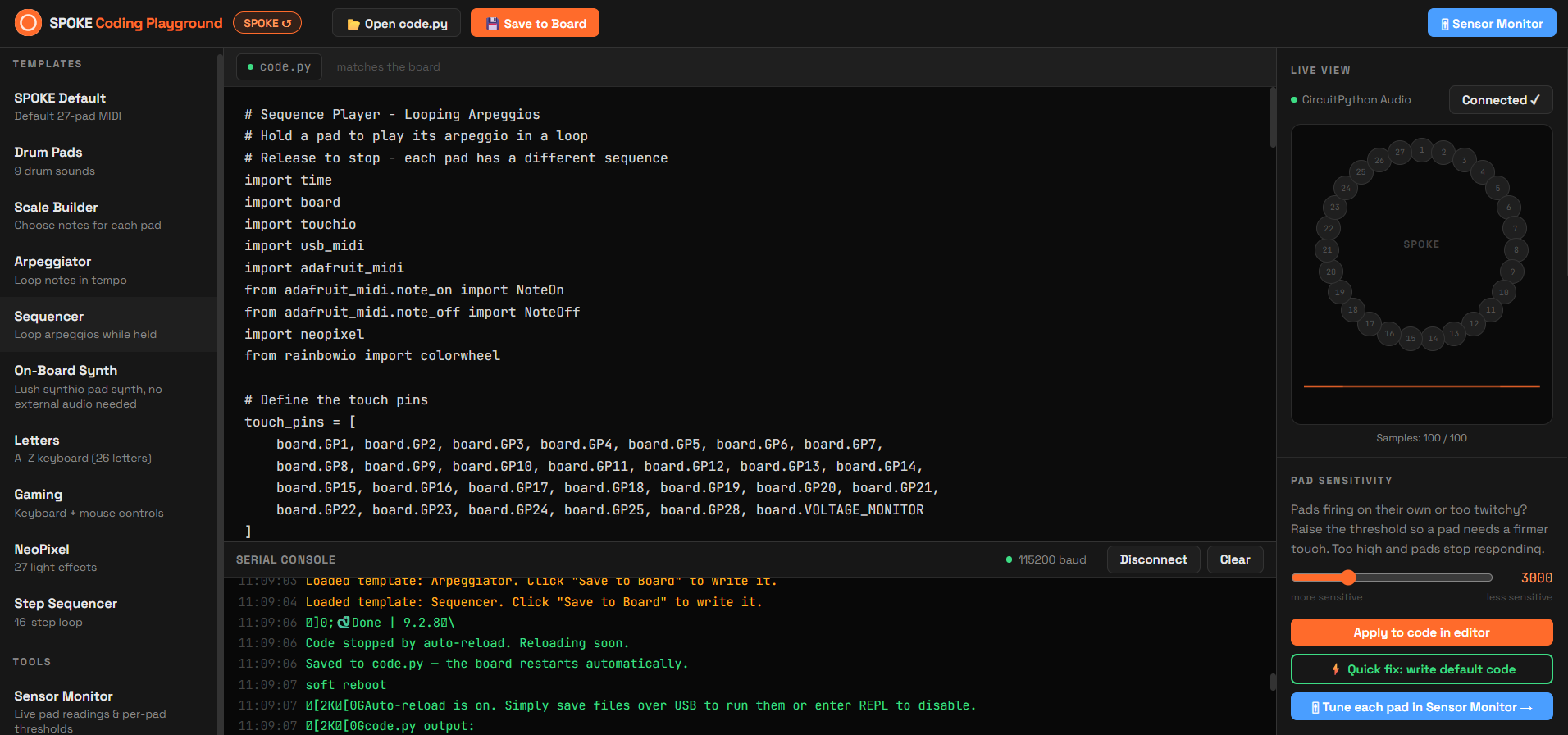
SPOKE CODE PLAYGROUND
Code SPOKE directly from the browser, load templates and examples, build your own scales and more!
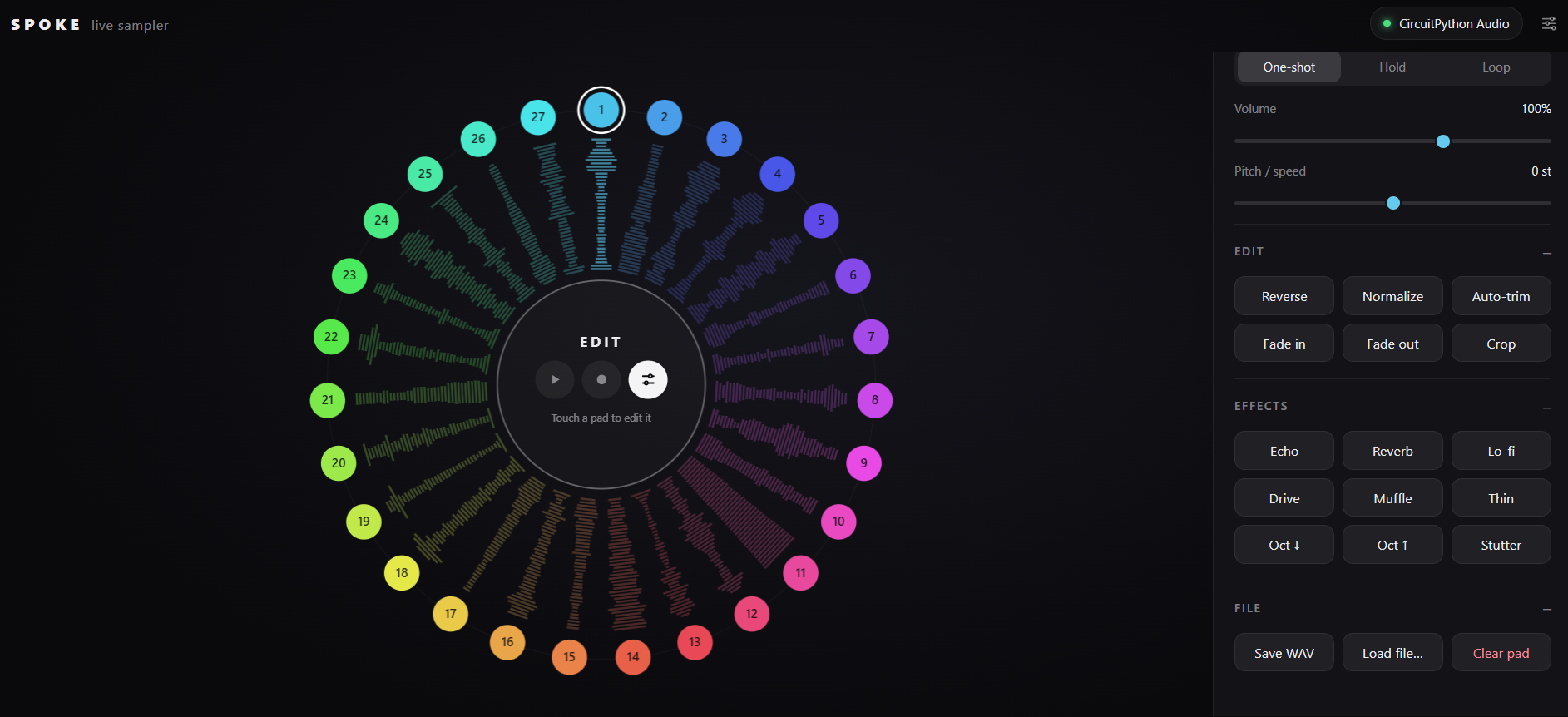
AUDIO SAMPLER
A web based sampler for recording from your microphone and triggering it with the SPOKE board. Includes effects and editing tools.

Board Configurator
Use this page to configure exactly what your board controls. From MIDI, CC keyboard inputs, shortcuts and even mouse movements.

One-Shot Drum Kit
A drum kit that uses default spoke code + specific code in the Code-Playground to colour match the inputs

Visualisers
Aesthetics visualisers that respond to MIDI
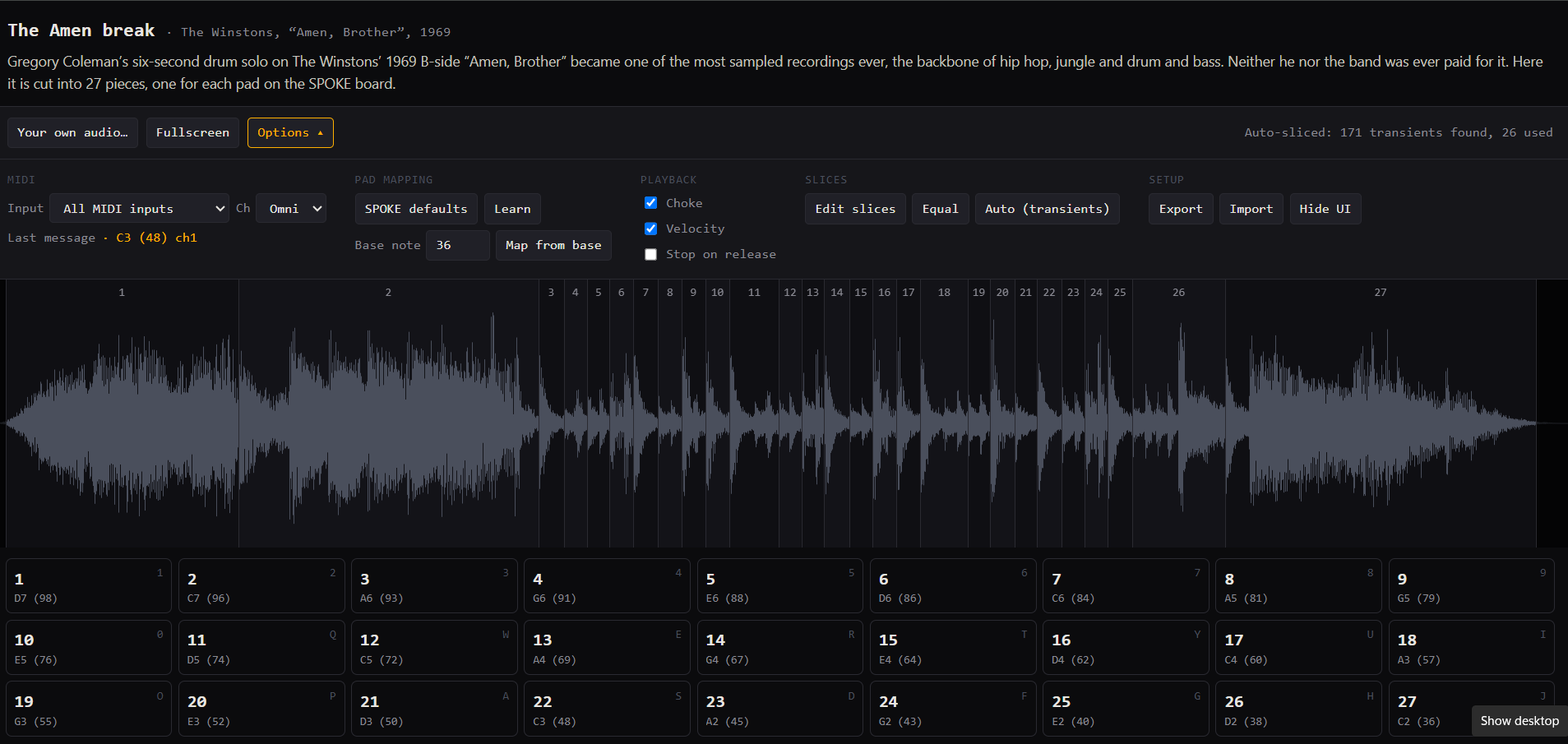
AMEN BREAK SPLICER
A page that explores the Amen Break and lets you upload your own samples to splice up and play.

Debugging and Threshold calibration
A page for visually seeing what your boards sensors are doing, and manually calibrating the threshold for when each individual sensor is touched.

STORYTIME PAGE
A simplified audio playground aimed at simple storytelling by searching for and recording sounds.
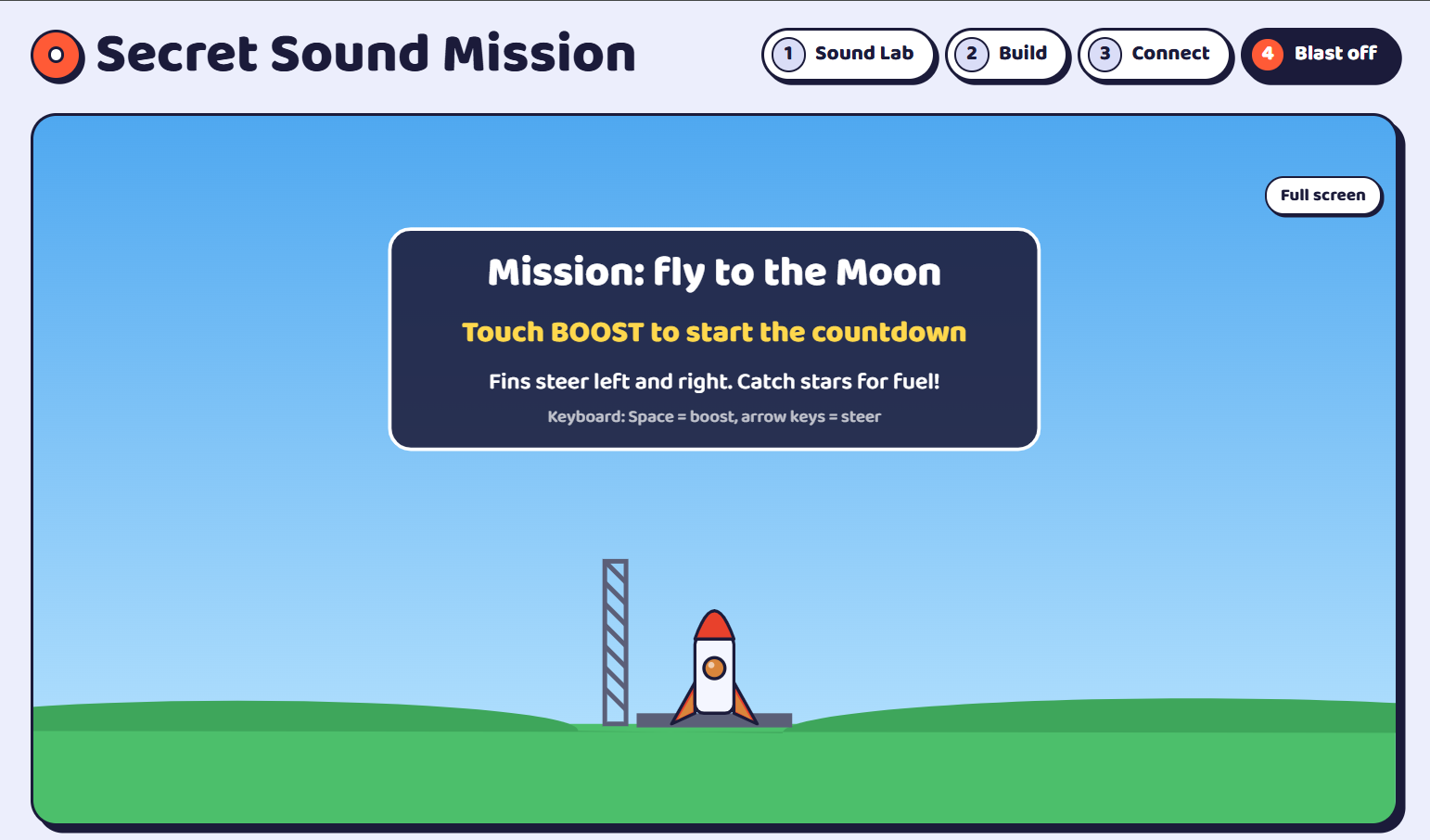
Fly to the Moon game
In this page, you record your own sound effects, build your own controller and then play a game to reach the moon while avoiding meteors and collecting fuel!

Asteroids
Play the classic game, Asteroids, using midi inputs

SNAKE
Play the classic game, Snake, using midi inputs